

Brainstorming tools have become essential for modern teams that want to generate ideas faster and collaborate without limits. They are popular across the world, just like social media platforms in India. In 2026, the shift toward digital workflows has made brainstorming tools more interactive, AI-driven, and accessible across teams of all sizes. For B2B teams, especially in marketing, product development, and strategy, the right brainstorm tool can directly impact creativity and output quality.
Businesses focused on a strong digital presence often rely on structured ideation platforms alongside their overall branding & digital marketing efforts to keep ideas aligned with brand goals.
Key Takeaways
- Brainstorming tools improve collaboration and idea generation in real time
- AI brainstorming tools help teams scale creativity quickly
- Visual platforms support structured thinking with mind maps and whiteboards
- Many free brainstorming tools offer strong features for small teams
- Choosing the best brainstorming app depends on workflow, team size, and goals
What Are Brainstorming Tools?
Brainstorming tools are digital platforms designed to help individuals and teams generate, organize, and refine ideas. These tools support online brainstorming through features like sticky notes, drag and drop boards, mind mapping tools, and real-time collaboration.
They are widely used by marketing teams, product managers, and creative professionals to structure the brainstorming process and improve idea flow.
For companies working with the best digital marketing agency, brainstorming software often plays a central role in campaign planning and execution.
Why Businesses Use Brainstorming Tools
Businesses rely on team brainstorming tools to increase efficiency and encourage creative thinking across departments. Instead of traditional meetings, teams now prefer virtual brainstorming tools that allow instant input from multiple team members.
These tools also help large organizations maintain clarity during group brainstorming sessions. With structured templates and visual collaboration features, ideas move faster and remain organized.
Key Features of Modern Brainstorming Platforms
Modern brainstorming applications offer features that support flexible thinking and structured ideation. Understanding these is crucial, especially when aligned with recent trends in digital marketing that demand faster creative execution.
- Infinite canvas for visual brainstorming
- Sticky notes and drag-and-drop elements
- Real-time collaboration across teams
- Integration with tools like Microsoft Teams and Slack
- AI tools for brainstorming and idea suggestions
- Pre-built brainstorming templates
Best Brainstorming Tools in 2026
Today’s best brainstorming tools are widely used across industries, including marketing, SaaS, and content strategy. Many social media teams also use them to plan campaigns, supported by insights like times to post on Instagram.
Here are the best brainstorming online tools used by teams and creators
1. Miro
2. Coggle
3. ChatGPT
4. Lucidspark
5. Slack
6. Zoom
7. Google Docs
8. MindMeister
Detailed Overview of the Best Brainstorming Tools
Let’s break down the best brainstorming tools with a closer look at their features, use cases, and pricing. It helps teams identify the right brainstorming application based on their workflow, collaboration needs, and creative goals.
1. Miro
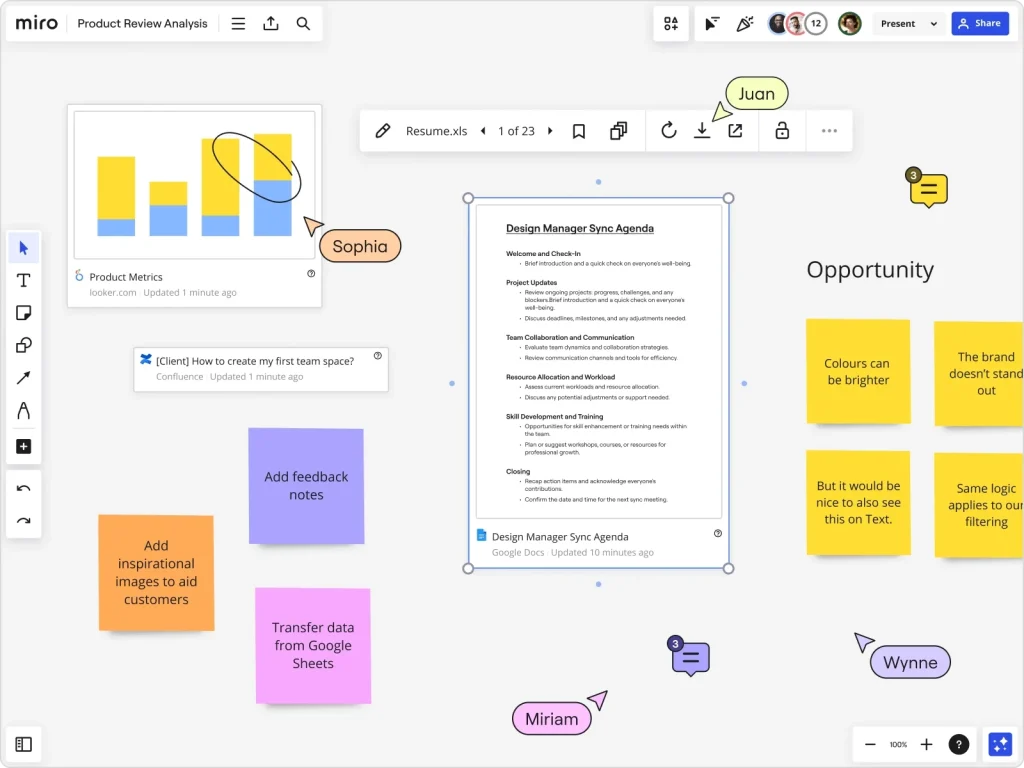
Miro is one of the best brainstorming tools for teams that rely on visual collaboration and structured ideation. Its infinite canvas makes it a strong choice for large-scale brainstorming sessions and strategic planning.
Key Features:
- Infinite canvas and whiteboard brainstorming
- Real-time collaboration with large teams
- Templates for ideation and workflows
Uses:
Ideal for visual brainstorming sessions and strategy planning
Pros:
- Highly interactive
- Strong integrations
Cons:
- Can feel complex for beginners
Pricing:
Free plan available, paid plans for advanced features
2. Coggle
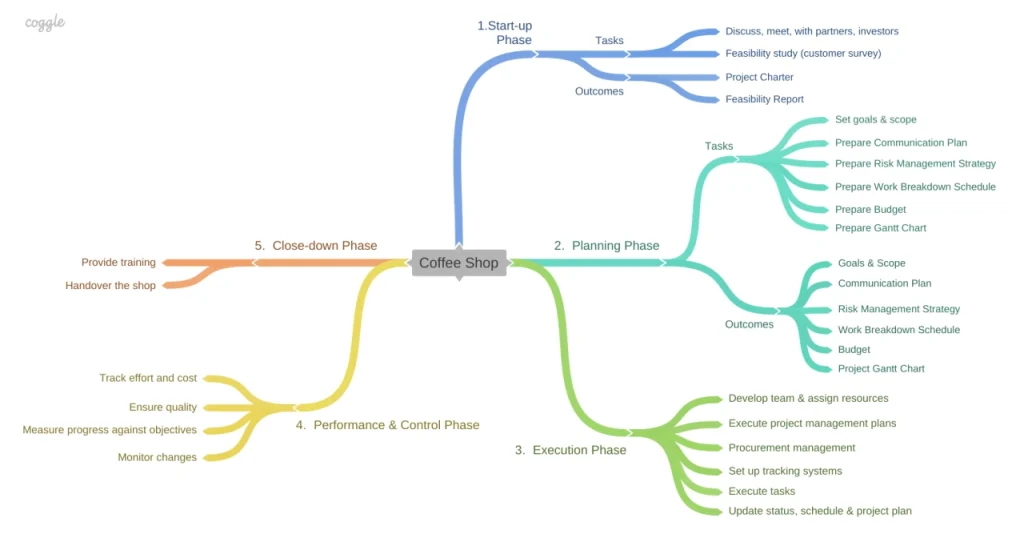
Coggle is a simple yet effective brainstorming application focused on mind mapping and idea organization. It works well for individuals and small teams looking for a clean and intuitive interface.
Key Features:
- Simple mind mapping tools
- Easy drag and drop interface
Uses:
Best for organizing ideas and structuring thoughts
Pros:
- Beginner friendly
- Clean interface
Cons:
- Limited advanced features
Pricing:
Free and paid plans available
3. ChatGPT

ChatGPT stands out among the best AI brainstorming tools by enabling fast and context-aware idea generation. It is widely used for content planning, campaign ideation, and creative problem-solving.
Key Features:
- AI-powered idea generation
- Content creation support
- Context-based suggestions
Uses:
Perfect for content ideation, campaign planning, and problem-solving
Pros:
- One of the fast idea generation tools
- Scales creativity
Cons:
- Requires clear prompts
Pricing:
Free and premium versions available
AI brainstorm tools like this are especially useful for teams working on campaigns with a social media marketing company.
4. Lucidspark
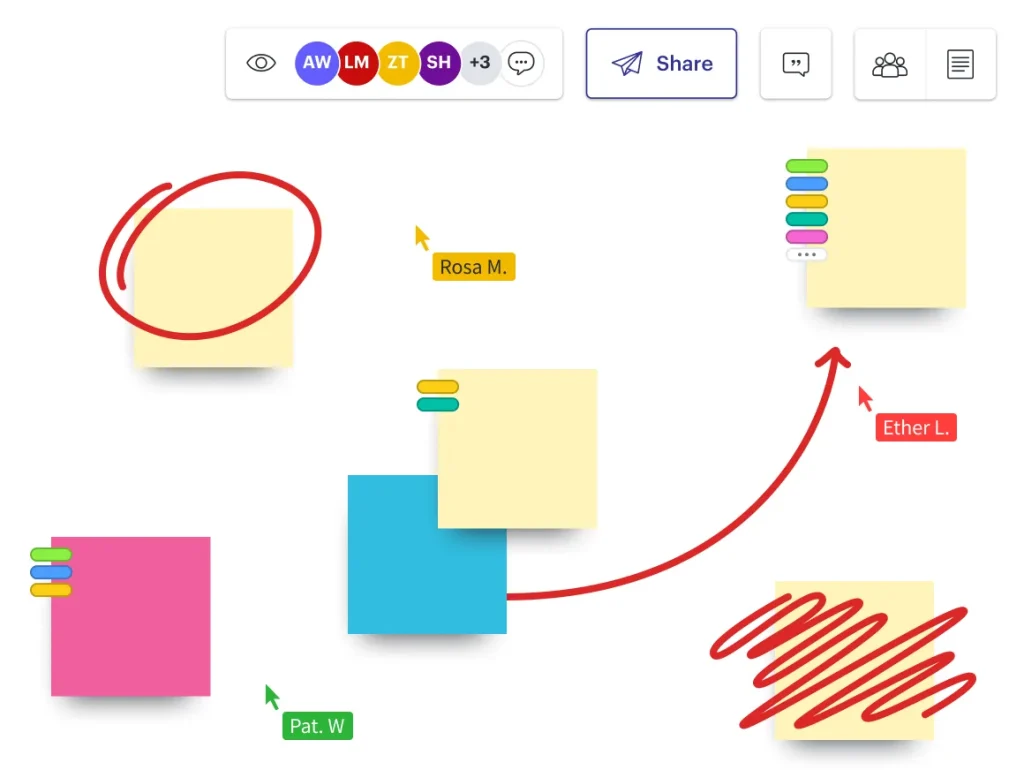
Lucidspark is designed for structured group brainstorming with a strong focus on collaboration and idea organization. It helps teams align ideas using visual tools and interactive features.
Key Features:
- Visual collaboration platform
- Sticky notes and voting features
Uses:
Great for structured group brainstorming sessions
Pros:
- Organized workflows
- Easy team participation
Cons:
- Limited offline functionality
Pricing:
Free plan available with upgrades
5. Slack
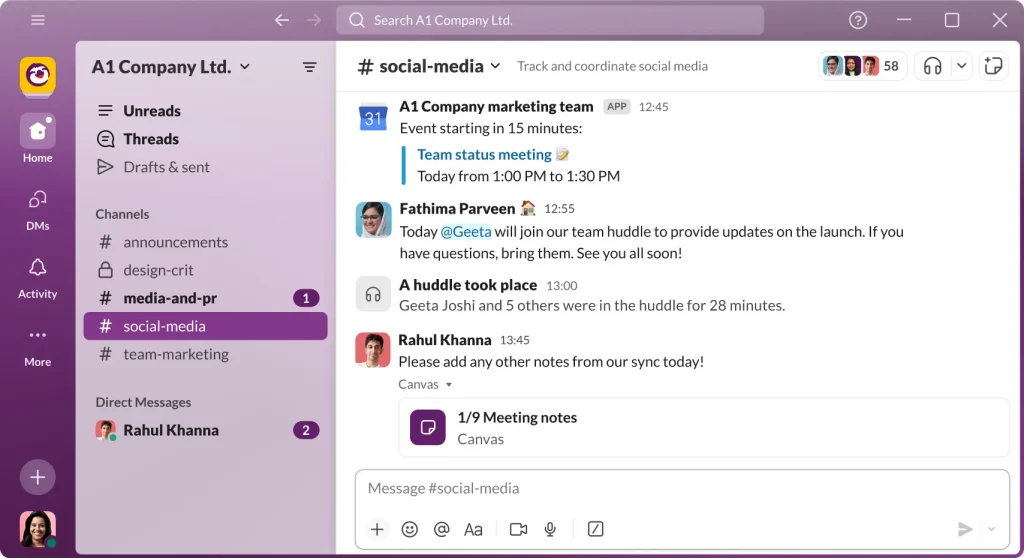
Slack is not a dedicated brainstorming tool, but it plays a key role in continuous team brainstorming through conversations and integrations. It keeps idea sharing active within daily workflows.
Key Features:
- Channels for idea discussions
- Integration with brainstorming apps
Uses:
Best for ongoing team brainstorming and communication
Pros:
- Real-time communication
- Strong integrations
Cons:
- Not a dedicated brainstorming software
Pricing:
Free and paid plans
Slack discussions often support campaigns that rely on the smart use of a hashtag used for in social media strategies.
6. Zoom
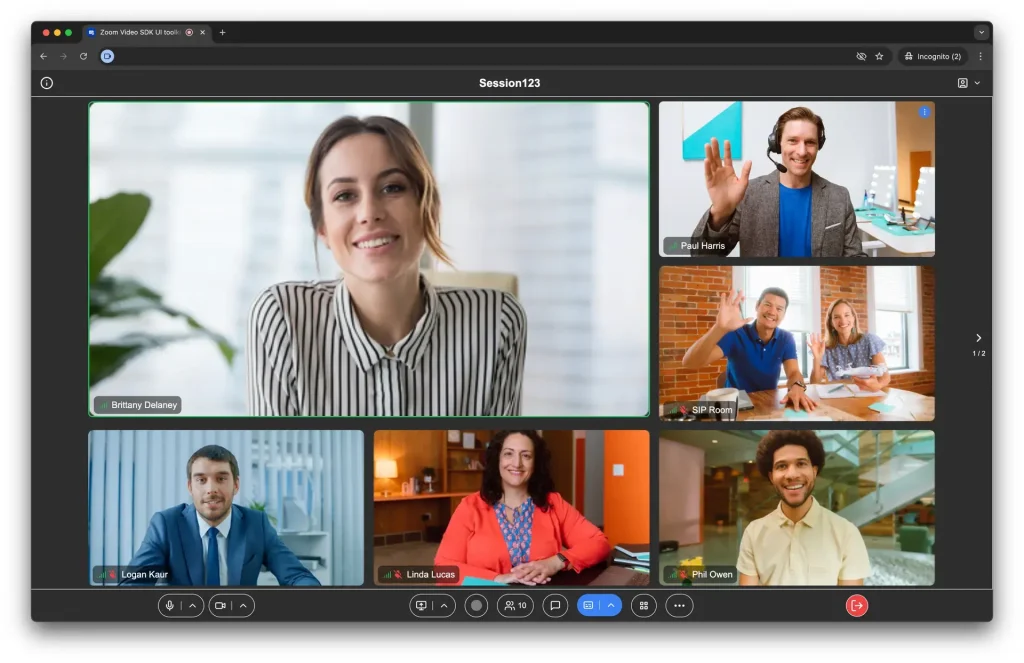
Zoom supports virtual brainstorming tools through live discussions, making it ideal for remote teams. Its whiteboard and screen-sharing features enhance collaborative thinking.
Key Features:
- Video conferencing with whiteboard tools
- Screen sharing for collaboration
Uses:
Useful for live brainstorming sessions and workshops
Pros:
- Easy to use
- Widely adopted
Cons:
- Limited ideation tools compared to dedicated platforms
Pricing:
Free plan with paid upgrades
7. Google Docs
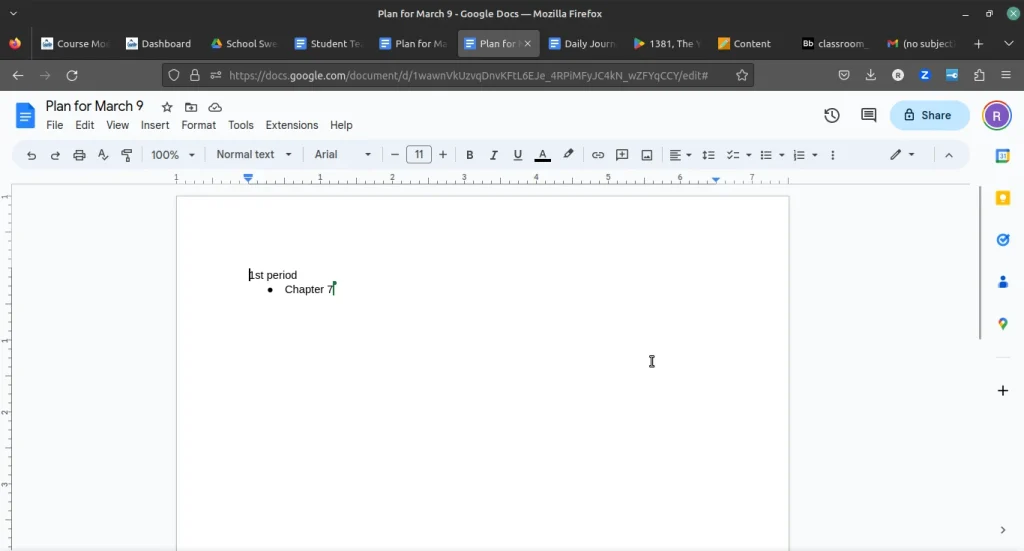
Google Docs is a simple yet powerful brainstorming software for content-focused teams. It allows multiple team members to collaborate in real time on ideas and drafts.
Key Features:
- Real-time document collaboration
- Commenting and editing features
Uses:
Best for content brainstorming and documentation
Pros:
- Simple and accessible
- Works well for remote teams
Cons:
- Limited visual brainstorming capabilities
Pricing:
Free with a Google account
Teams working on content calendars often combine Docs with insights about the benefits of social media marketing to structure campaigns.
8. MindMeister
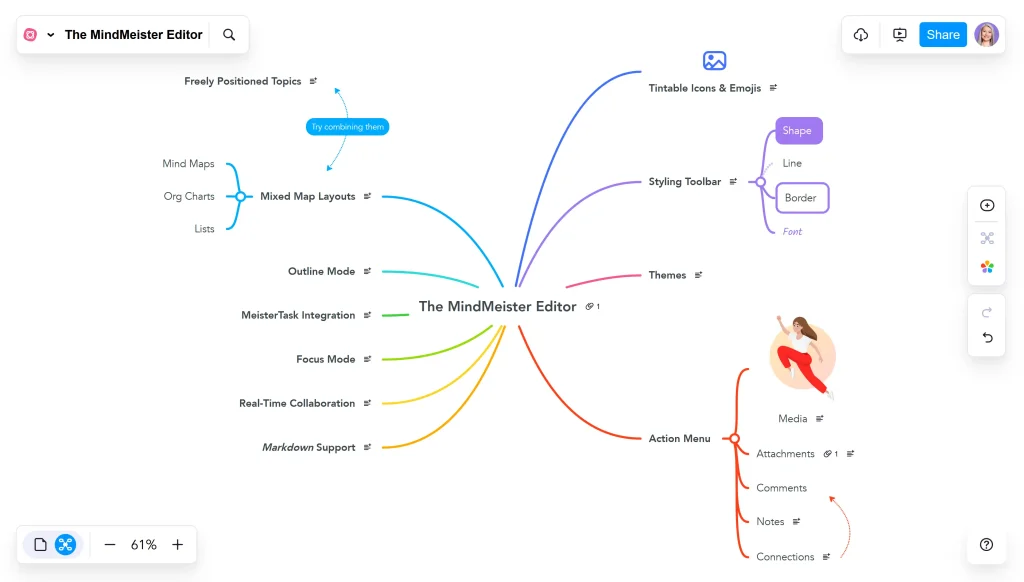
MindMeister is one of the best brainstorming apps for deep ideation using mind maps. It helps teams visualize complex ideas and organize thoughts effectively.
Key Features:
- Advanced mind mapping tools
- Visual organization of ideas
Uses:
Ideal for deep ideation and concept mapping
Pros:
- Great for structured thinking
- Easy visualization
Cons:
- Limited free features
Pricing:
Free and paid plans

Tips for Running Successful Online Brainstorming Sessions
To get the most out of brainstorming apps and ideation platforms, teams should follow a structured approach:
- Start with a clear objective as the starting point
- Use brainstorming templates to guide discussions
- Encourage participation from all team members
- Use sticky notes and visual tools to organize ideas
- Keep the session time-bound for better focus
- Combine AI tools for brainstorming with human input
Strong brainstorming practices also support brand-building strategies, like the importance of branding in business.
Conclusion
The best brainstorming tools in 2026 go beyond simple idea generation. They enable real-time collaboration, structured thinking, and AI-driven creativity. Businesses that use the right brainstorm software can improve innovation and execution speed significantly.
As teams aim to scale visibility and engagement, brainstorming tools become a core part of strategies focused on how to increase brand awareness.
FAQ
- What are brainstorming tools?
They are digital platforms that help individuals and teams to generate, organize, and refine ideas through structured or visual collaboration. - Are there free brainstorming tools available?
Miro, ChatGPT, Coggle, and Google Docs offer free plans. - What are AI brainstorming tools?
The tools that use artificial intelligence to generate ideas, suggest content, and assist in problem-solving during brainstorming sessions are AI-based brainstorming tools. - What is the best brainstorming tool for visual collaboration?
Miro and Lucidspark are considered the top tools for visual brainstorming sessions with whiteboard and infinite canvas features. - How do brainstorming tools improve team creativity?
Real-time collaboration, structured idea organization, and faster idea generation become possible, which helps teams think more effectively and creatively.